

Figma Make Is Changing How DTC Brands Build and Test
GPT-5.6 is now live inside Figma Make. Here's what actually changed, why it matters for DTC design and marketing teams, and where to start.
 Arpit Mehar
8 min read
Here's a scenario most DTC marketing teams know well. A campaign idea surfaces in a Monday meeting. Someone needs to design the landing page, the email template, the pop-up quiz flow. It goes into the design backlog. Dev picks it up in two weeks. By the time there's something testable, the campaign window has either passed or the team has lost momentum.
Figma Make doesn't solve every part of that problem. But it shrinks the gap between idea and testable prototype significantly, and the GPT-5.6 upgrade that landed in July 2026 made it meaningfully better at doing that.
This post covers what Figma Make actually is, what changed with GPT-5.6, where DTC design and marketing teams get the most value from it, and where it still has limits worth understanding.
What Figma Make actually is
Figma Make is a prompt-to-prototype tool built directly into Figma. You describe what you want in plain language, feed it an existing design file or start from scratch, and it generates a functional, interactive prototype. The output runs on React and Tailwind CSS underneath. You're not getting static screens. You're getting something you can click through.
It launched at Figma Config 2025 and moved to general availability in July 2025. GPT-5.6, OpenAI's newest model, was added on July 9, 2026 and is available on all Figma plans through the model picker in the Make chatbox. No additional cost, no migration, no new setup required.
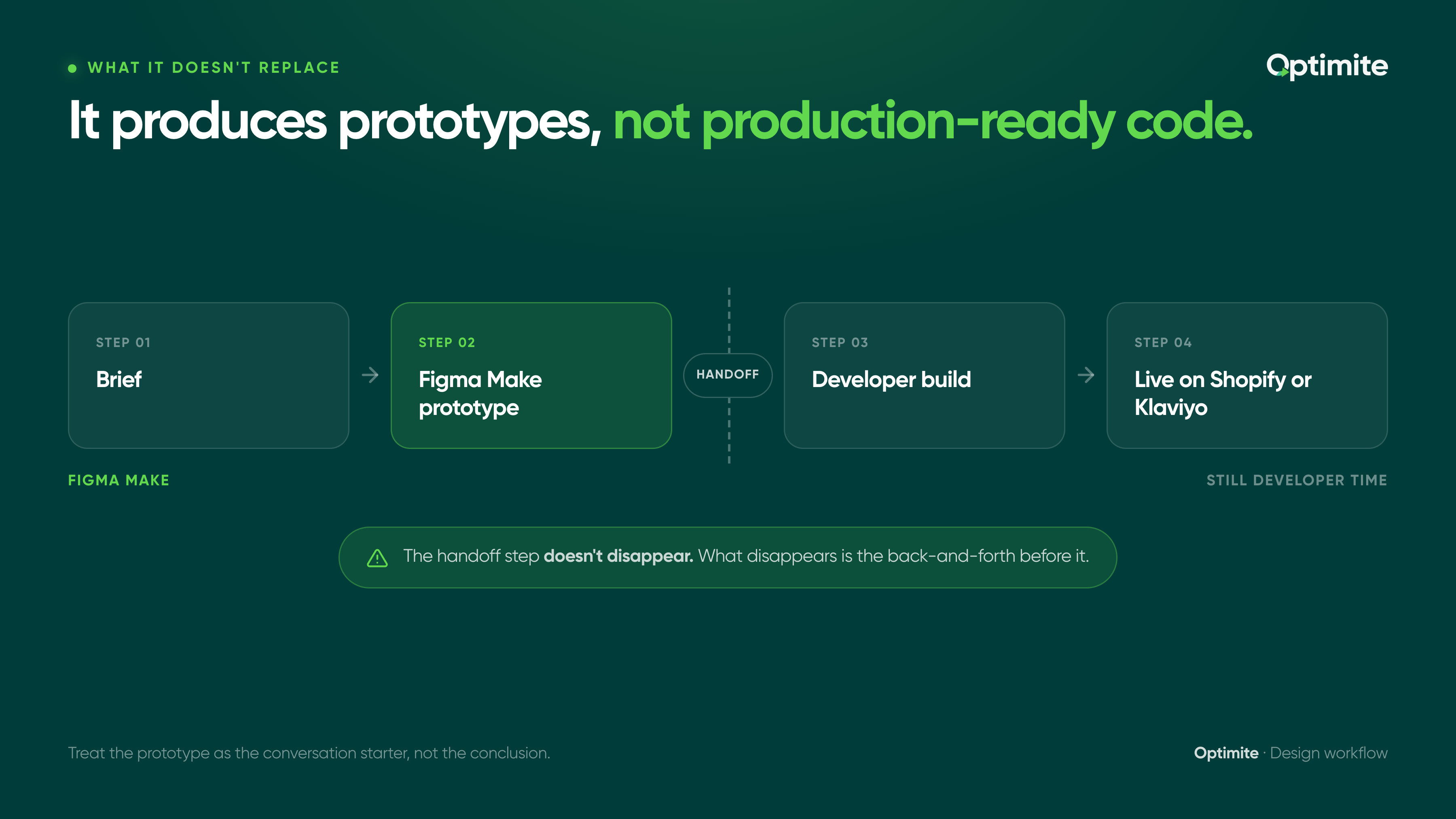
The key distinction before going further: Figma Make produces interactive prototypes, not finished production code. For anything going live on your Shopify store or in Klaviyo, there's still a handoff step. The value is in what you can validate before that handoff happens, not in skipping it.
What GPT-5.6 actually changed
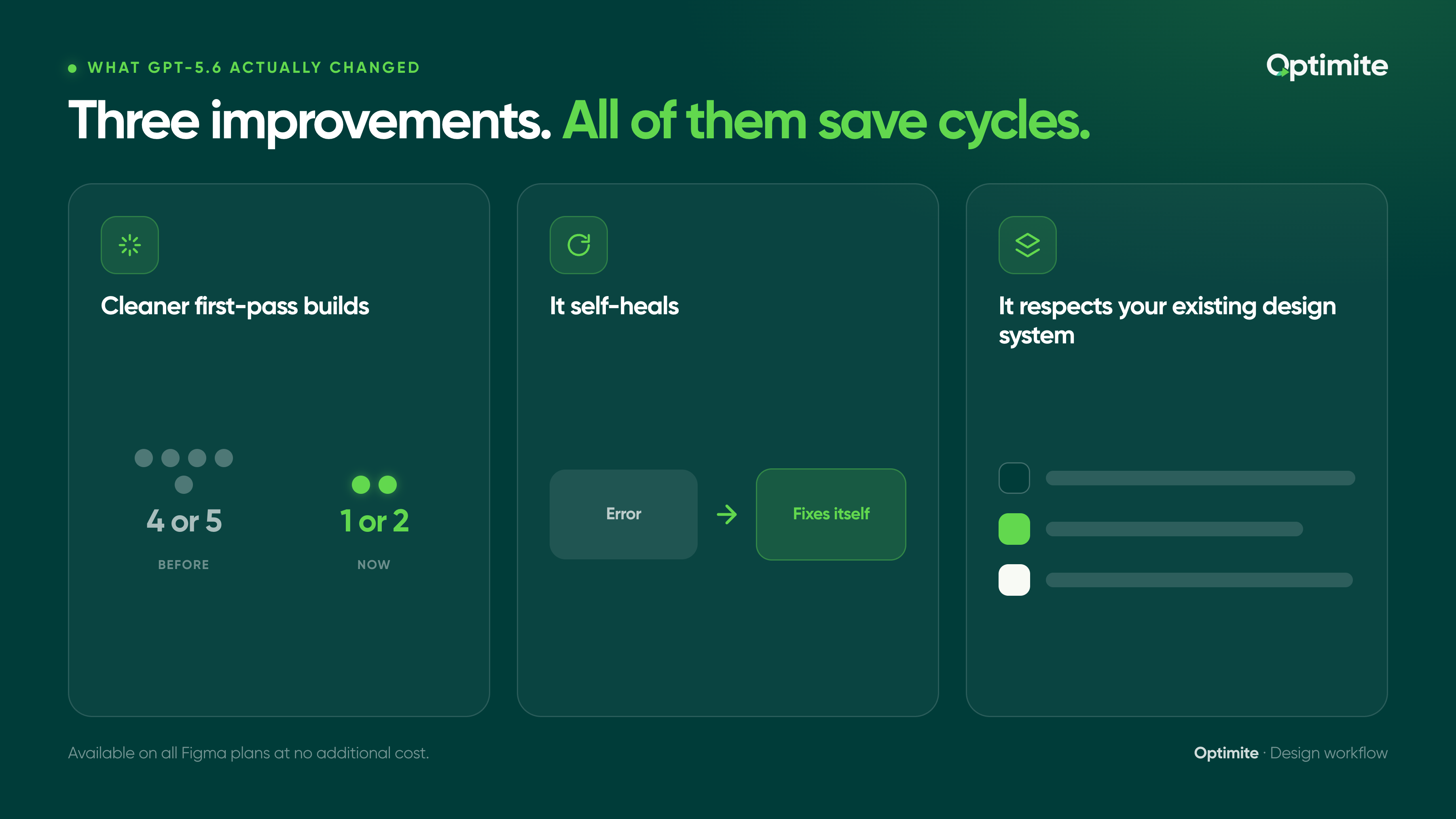
Figma's own tests showed that GPT-5.6 raises both the quality and speed of what Make produces on a first pass. That might sound like standard product marketing language, but three specific improvements make it practically significant for design and marketing teams.
Cleaner first-pass builds. Dense dashboards, dropdowns, product pages: the kind of layout detail that previously required multiple rounds of prompting now shows up correctly the first time. For DTC teams, this means fewer revision cycles before a prototype is presentable. A landing page concept that used to take four or five prompts to get to something shareable can reach that point in one or two. That compounds fast when you're trying to test three layout directions in a single afternoon.
It self-heals. When a build throws an error, GPT-5.6 investigates and fixes it rather than stopping and waiting. This sounds like a minor technical improvement. It isn't. The previous failure mode was an error that broke the build mid-prompt, requiring you to go back to the start or diagnose the problem yourself. Now the model continues through errors automatically. It changes Figma Make from a tool you babysit to a tool you trust.
It respects your existing design system. Feed it a Figma design file and GPT-5.6 maintains your spacing, hierarchy, and styling. The model's improved contextual understanding lets it interpret your existing component structures and brand guidelines rather than generating from scratch in a vacuum. New screens or components inherit the system rather than breaking it.
GPT-5.6 is available on all Figma plans at no additional cost. Open the model picker in the Figma Make chatbox, select GPT-5.6, and it becomes the active model for your session.
Why this matters for DTC design and marketing teams
Most coverage of Figma Make is written for product designers and engineers. But the problem it solves most directly is a marketing and growth problem.
DTC brands run on speed. A fashion brand preparing for a new seasonal drop, a beauty brand launching a limited-edition SKU, a wellness brand running a BFCM campaign: all of them are working against windows. The team that can test a landing page layout this week instead of next month gets more data, faster. The team that can show three email template directions to a founder on Tuesday instead of Thursday makes decisions sooner and ships more tests over a quarter.
Here's where Figma Make fits into that workflow:
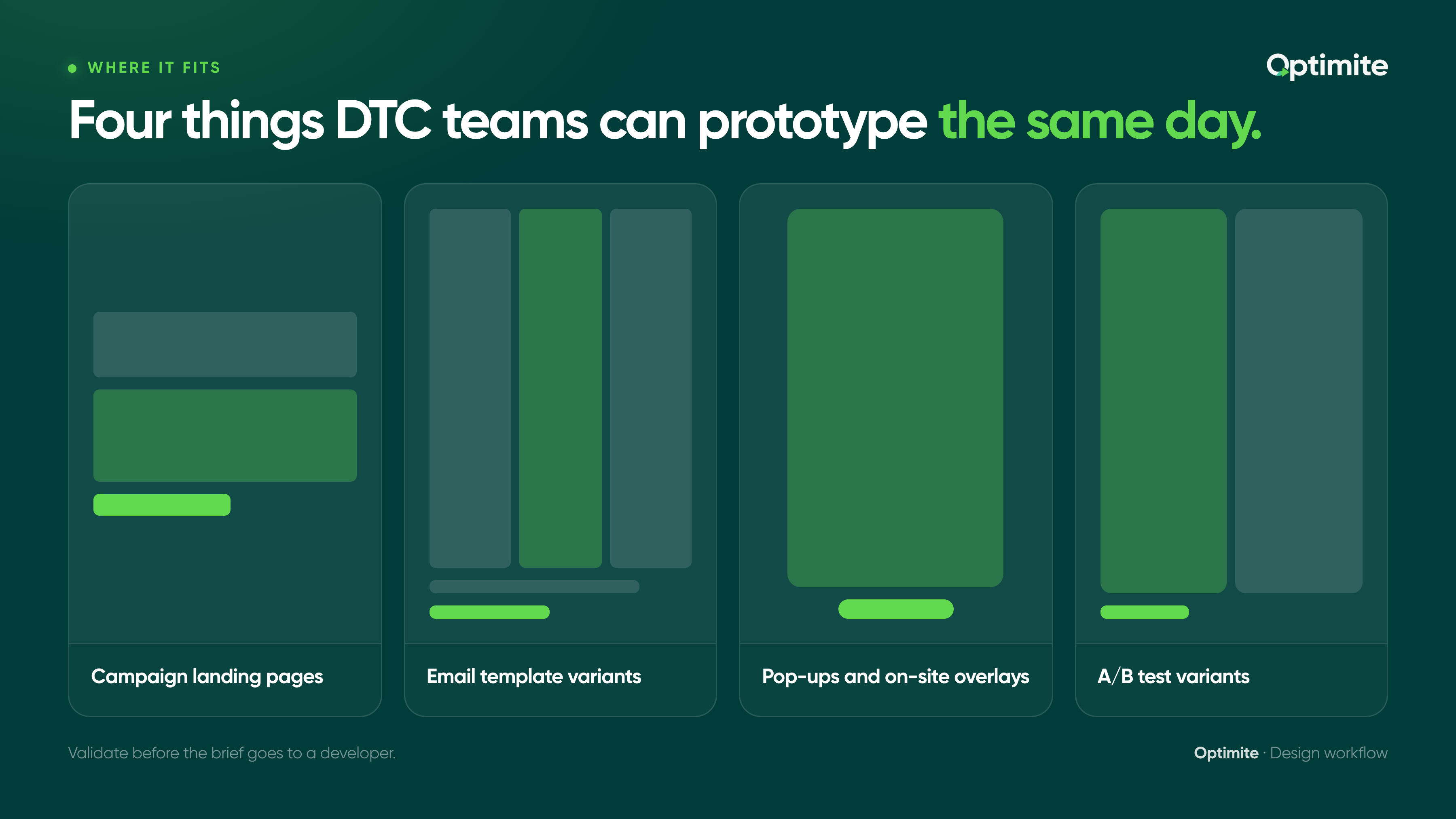
Campaign landing pages. New product drop, seasonal page, influencer collab microsite. Prompt the concept from a brief, get a working prototype the same day, validate with the team before it goes to a developer. The prototype stage used to be either skipped (and then revised expensively in dev) or done manually (slowly). Make changes that.
Email template variants. Figma has always been the tool DTC design teams use to mock up email layouts before building them in Klaviyo or handing off to an email developer. Figma Make speeds up the mockup stage. Instead of building each variant manually, prompt the variations and get interactive designs back fast. The email developer still builds the final version. The time saved is in the approval and iteration stage before that handoff.
Pop-ups and on-site overlays. Quiz flows, exit-intent offers, SMS opt-in banners. Figma Make can prototype these interactively so the team can click through the full experience before a line of code is written. This is where a lot of conversion work dies quietly: the idea sounds right in a meeting, but nobody sees the actual flow until it's been built and by then it's expensive to change.
A/B test variants. Product page hero layouts, above-the-fold copy treatments, CTA button positions. Get visual prototypes of multiple directions in a single sitting. Show them side by side. Pick one. Brief the developer on the winner. The alternative is briefing all three and waiting for all three to come back from dev before you can even have the comparison conversation.
The highest-value use for most DTC teams: brief a landing page or email concept in Figma Make before it goes to a developer. What used to require a full manual design pass can now be a same-day prototype that gets approved, revised, or killed on the spot. The revision that would have cost three days in dev costs thirty minutes in Make.
The design system angle
The biggest concern DTC marketing teams have with any tool that generates design automatically: will it break the brand? Wrong fonts, off-brand spacing, colors that don't match the system. That's been the failure mode of most AI design generators, and it's a legitimate reason to avoid tools that work outside your existing design infrastructure.
GPT-5.6 inside Figma Make addresses this directly because it works from within your Figma file. You're not using a separate tool that tries to approximate your brand from a brief description. You're working inside the design environment your team already uses, feeding it your actual component library and design tokens.
In practical terms: a beauty brand with an established Figma design system can use Make to prototype three product page variants before a new launch. All three inherit the existing components, type scale, and color tokens. The team reviews interactive prototypes and picks a direction. The developer picks up a design that already reflects the system. No rework on brand consistency at the prototype stage, because the prototype was generated from the system itself.
For wellness brands with strict product hierarchy and regulatory label requirements, or for food and beverage brands managing consistent packaging language across seasonal campaigns, this constraint matters. The tool generates within your system rather than around it.
What it doesn't replace
Figma Make is genuinely useful. It's also easy to oversell, and the brands that get the most out of it are the ones who understand its limits before they run into them.
It produces prototypes, not production-ready code. For anything going live on Shopify or in Klaviyo, a developer still picks it up. The handoff step doesn't disappear. What disappears is the back-and-forth before the handoff: the verbal brief, the misinterpreted wireframe, the revision cycle before anyone has seen a real layout.
Complex interactions, custom animations, and backend integrations still need developer time. Figma Make can prototype the experience but can't replace the engineering required to run it in production.
It's not an email builder. Email templates for Klaviyo still require a separate build step, whether that's using Klaviyo's native editor, a template tool like Stripo or Chamaileon, or an email developer building in HTML. What Figma Make can speed up is the visual design and approval stage before that build happens.
And the self-healing capability, while genuinely useful, isn't a guarantee. Complex builds still occasionally need manual intervention. The difference is frequency: errors that used to stop a session in its tracks now resolve automatically most of the time.
Don't confuse a Figma Make prototype with a finished deliverable. The value is in getting to something testable fast, not in shipping the output directly. Treat the prototype as the conversation starter, not the conclusion.
Where to start this week
For teams already working in Figma, the GPT-5.6 upgrade costs nothing and requires no workflow change. The model is already in the picker.
- Open Figma Make and select GPT-5.6 from the model picker in the chatbox.
- Pick one upcoming campaign asset, a landing page, an email template, a pop-up flow, and prompt a first draft from a one-paragraph brief.
- If your team has an existing Figma design file, feed it to Make as context before prompting. Watch how GPT-5.6 maintains your system.
- Share the prototype with your team for feedback before sending the brief to a developer. That review step is where most of the time savings happen.
- After 30 days, look at how long it now takes from brief to stakeholder-ready prototype compared to before. That's the metric that tells you whether it's worth building into the regular workflow.
The direction the whole toolchain is heading: less time proving a concept could work, more time deciding if it should. For DTC design and marketing teams, that's a real shift. The brands that adapt fastest are the ones that compound the advantage.
If you want to talk about how faster design iteration fits into a broader ecommerce growth programme, book a free call with our team. We work with brands across wellness, beauty, fashion, and food and beverage to build the infrastructure that turns faster creative into measurable retention lift.


